Say it once and
keep the file.
Write it, read it off the screen while the words keep pace with you, and leave with something you can send. Slides, a whiteboard and a shared screen come along when you need them.
Free, every feature. Works in Chrome and Edge.

The sixth take is rarely better than the first.
You've read it through four times. You hit record, get three sentences in, and it's gone. So you stop, sigh, and start again.
Put a deck behind you and it gets harder: now you're talking, clicking, drawing and watching a clock at the same time.
Afterwards there's an hour of editing in an app you relearn every time.
LensFloat holds the other jobs so you can keep that one.
You never lose your place
Say it in your own time.
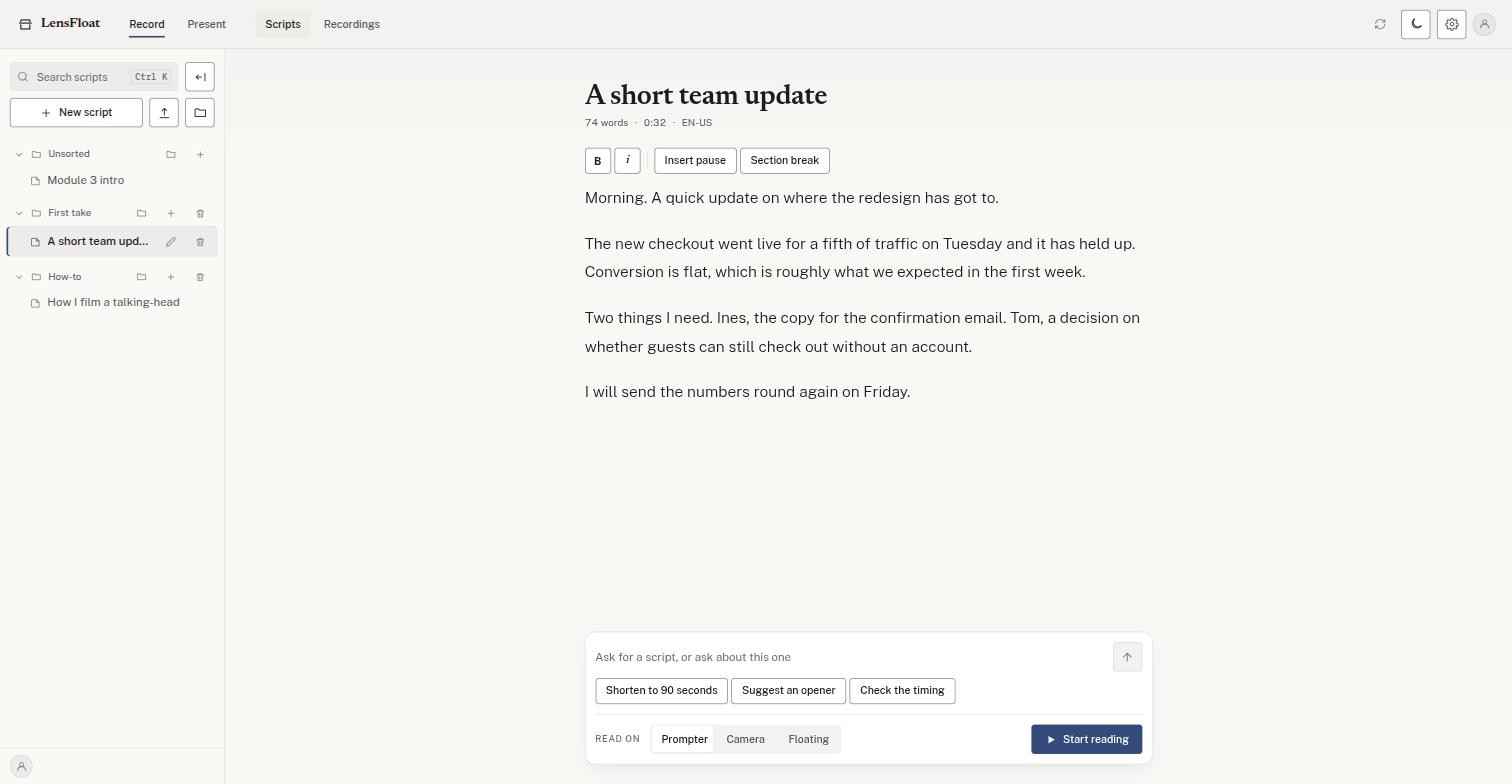
Paste what you want to say, or drop in a .txt, a .docx or a Google Doc. You see the word count and the running time before you record a second of it.
Then read it. The line you're on sits at the lens and moves when you move. Speed up and it keeps up. Stop to think and it waits. Skip a sentence and it finds you again.
You have something to show
Put it all on one stage.
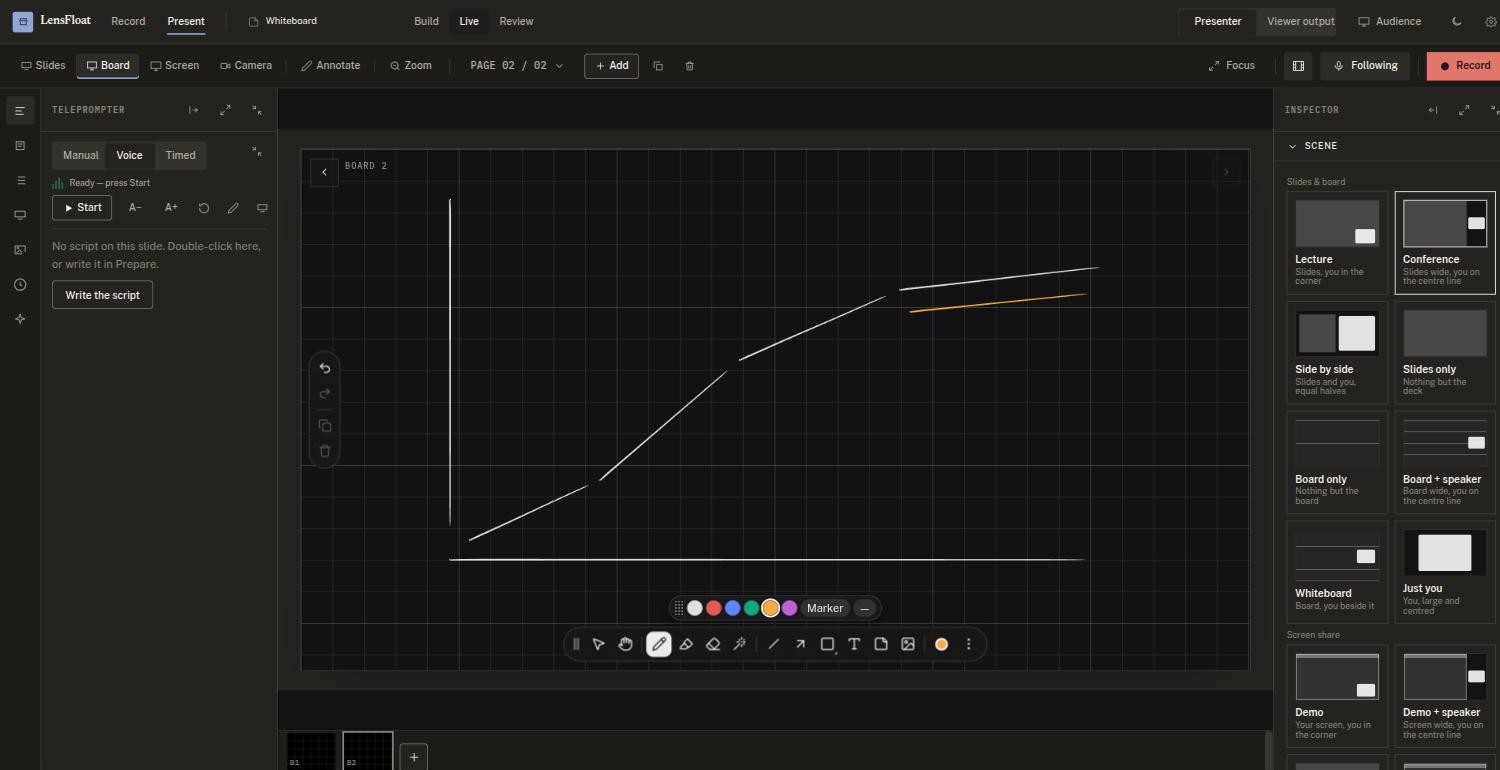
Bring a PDF of your deck and every page arrives looking the way you made it. Add a whiteboard when the deck runs out of answers, share a window when you need to show the real thing, and draw over any of it while you are still talking.
- Slides, board, screen and you, composed into one recording as you go
- The board is a handout too: every page you drew on saves as a PDF
- Your script stays with you, over the top, still following your voice
- Records at up to 4K, with nothing written across the corner
The tidy-up happens here as well.
It marks the ums and the long silences and shows you each one before it removes anything. Nothing touches the recording itself, so a cut you regret is one tap back. Reading a script points your eyes slightly below the lens for the whole take, so afterwards it puts them back where you meant them.
What comes out is a video file and a PDF of whatever you drew. Both are yours to send. There is no export queue, no watermark and no editor to open.
Some of the work this replaces
None of it belongs to a video producer, and none of these people wants to become one.
-
A course module, recorded once
Slides on the stage, the working on the board, and a PDF of that board for the people who were never going to watch the whole thing.
-
The product walkthrough you repeat weekly
Share the real screen, draw on the part that matters, and send every prospect the same clear version instead of a different one each time.
-
The handover nobody wrote down
Onboarding, a process, the question that comes up every month. Say it to camera and stop saying it in meetings.
-
Something due before Friday
A script you can read, a take that needs no rescuing, and a file ready while you still care about it.
It is still you.
Plenty of tools will build the video without you in it now: a cloned voice, a face made from one photo, a script somebody else's model wrote.
We do none of that. The explaining is the part worth anybody's attention, so LensFloat makes it easier to do and easier to finish, and leaves it to you.
Try it on something real.
Open it, paste something you have to explain this week, and read it through once. You will know inside a minute.
Nothing to install, and nothing to pay.